How do I take bookings online?
In short
Switch on the Bookings module, add your services and opening hours, and put the booking page on your website or link page. The system works out the free slots, and two customers can never get the same hour.
Updated:
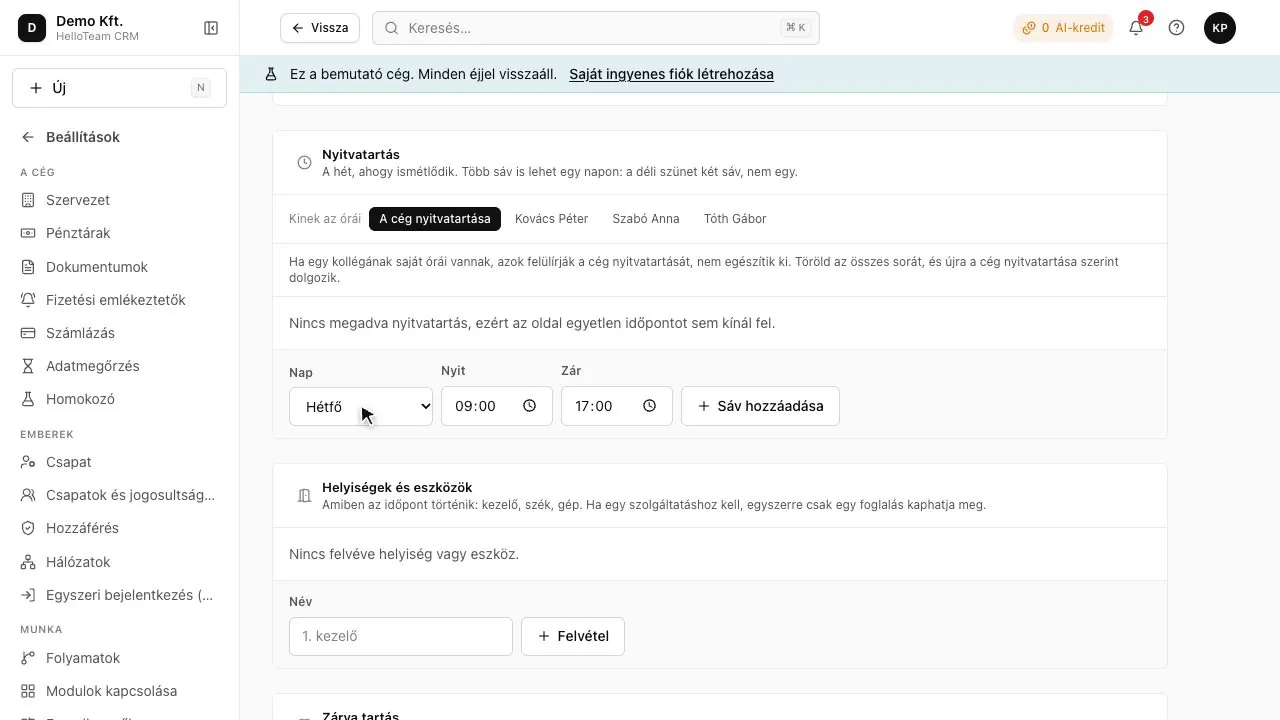
Setting up online booking
- Switch on the Bookings module.
- Add services with duration and price.
- Set opening hours and closures.
- Put the booking section on your website or link page.
What else it does
- A waiting list when a day is full; it notifies when a slot frees up.
- Multi-session courses (eight Tuesdays, say) in one booking.
- Rooms and resources: two treatment rooms allow two bookings at once.
- Questions asked at booking, per service.
Which module?
Module: Bookings (paid module, price coming soon).
Questions
Can a customer move their appointment?
Yes, on their own booking link; the freed hour goes to the waiting list.