How do you cut the number of clients who miss their appointment?
Four things help most: a reminder the day before, a link with which the client can cancel or move the appointment themselves, a waiting list for hours that free up, and, where it is justified, a deposit at booking. Record each no-show, so you can see with whom it repeats.
Updated:
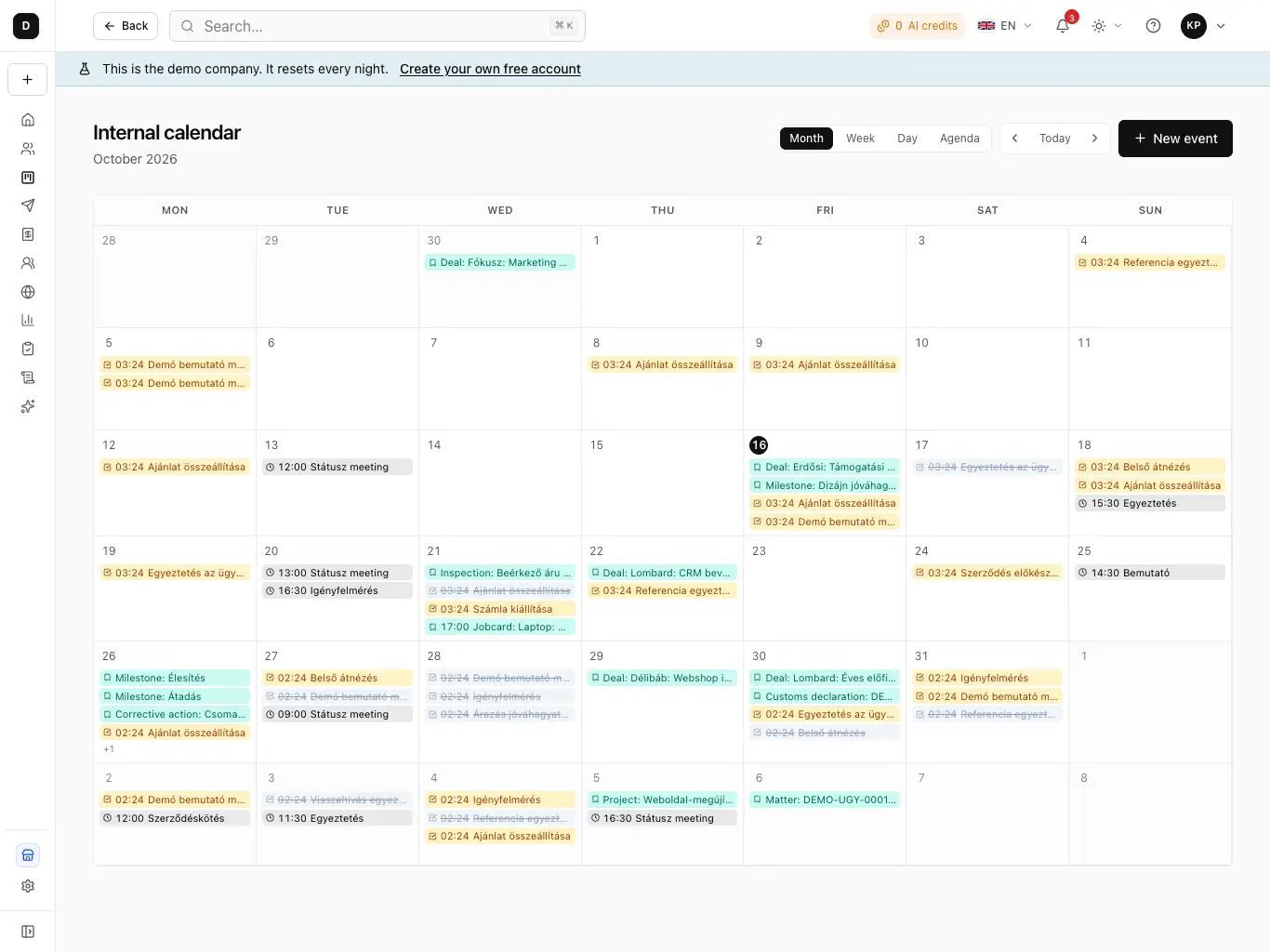
Fewer missed appointments, step by step
- Ask for an email address with every booking (and a phone number if you remind by text).
- Send a reminder within 24 hours of the appointment, with a calendar entry.
- Give the client their own link to cancel and to move it.
- Switch on the waiting list, so a freed hour finds someone.
- For long or expensive services, ask for a deposit or full payment at booking.
- Record when someone did not turn up, and look at it monthly.
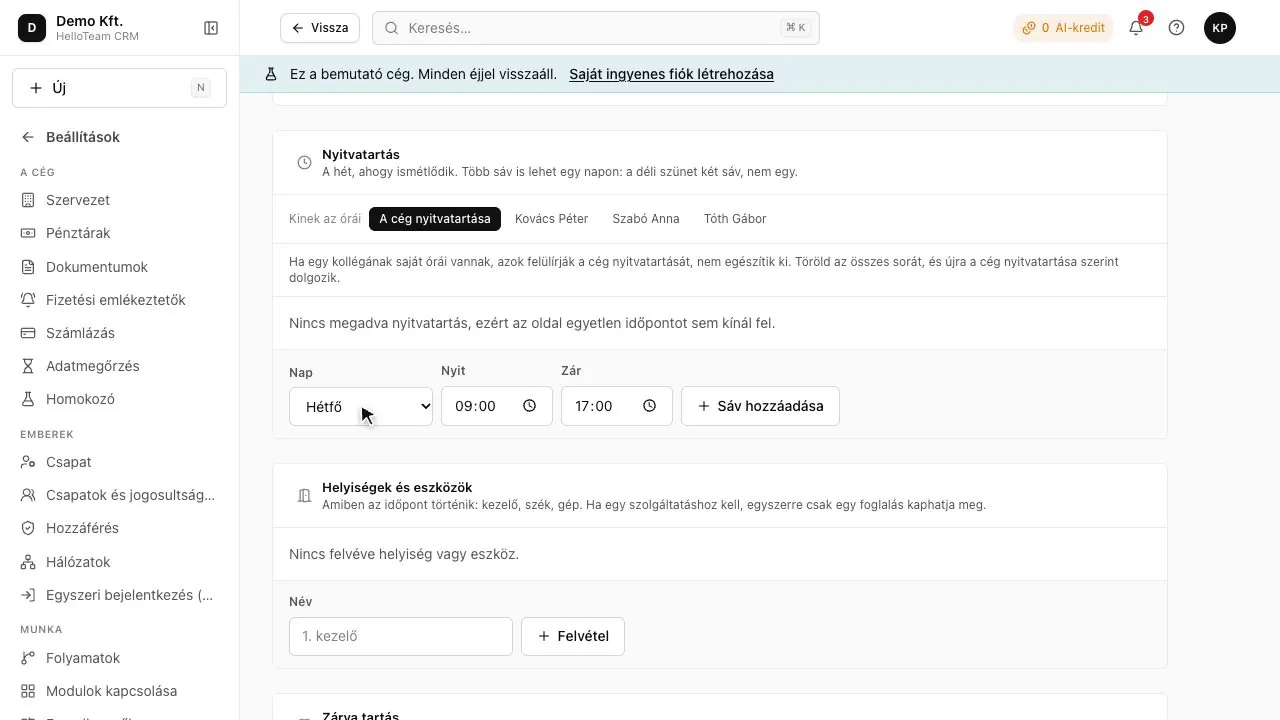
Why do clients not turn up?
Mostly not out of bad faith: they forgot, something came up, and cancelling was not easy. If cancelling means phoning during opening hours, many simply say nothing. That is why most missed appointments can be prevented with a reminder and an easy way to cancel.
A missed hour costs twice: once because the client does not pay, and once because nobody else could book it. A cancellation that arrives in time removes the second loss, if someone is there to take the hour.
When is a deposit worth asking for?
Details
Where a missed appointment is expensive: a long treatment, work that needs preparation, or a client who has missed several times. For a short, inexpensive service a deposit puts people off more than it protects you. Say clearly before booking when the deposit is returned.
How does this work in HelloCRM?
Details
- The Bookings module reminds once about appointments starting in the next 24 hours, by email with an updated calendar file, and by text too where the company asks for it.
- The client cancels or moves the appointment from their own booking link.
- When an hour frees up, people on the waiting list are mailed, at most five at a time.
- A deposit or the full price can be required at booking, per service.
- An appointment's outcome can be completed or no-show, so no-shows can be looked up later.
Which module?
Module: Bookings (paid module, price coming soon).
Questions
When should I send the reminder?
The day before, so the client has time to cancel and you have time to give the hour to someone else. HelloCRM sends one for appointments starting in the next 24 hours.
May I keep the deposit if the client does not come?
That depends on your booking terms, which you must state before the booking; check your own case with a lawyer.
Do I need a separate program for reminders?
Not if your booking system sends them: in HelloCRM the reminder, the cancellation link and the waiting list are part of the Bookings module.