How does a quote become an invoice?
In short
You send the quote as a link, the buyer accepts it there, and an accepted quote becomes a draft invoice with the same lines in one click. Issuing goes through Számlázz.hu or Billingo.
Updated:
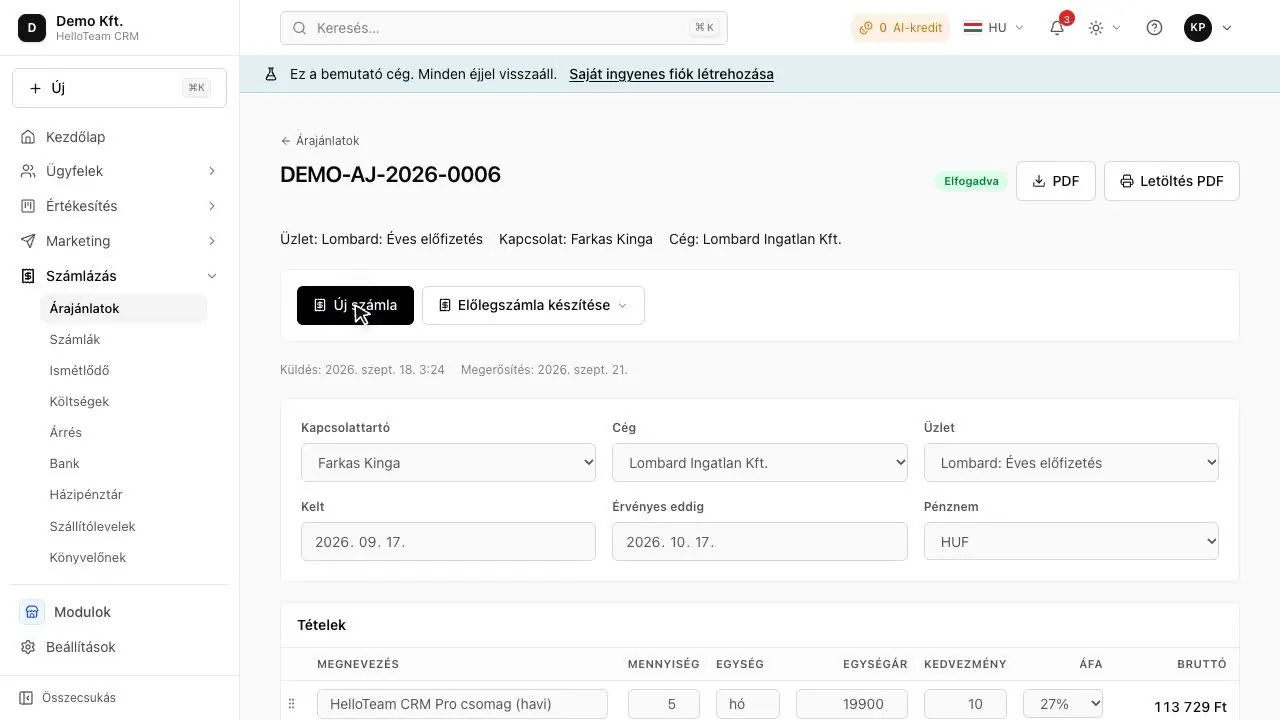
From quote to invoice
- Create the quote on the deal.
- Send it to the buyer as a link.
- The buyer accepts it on the link.
- Turn the quote into a draft invoice in one click, and issue it.
Why the totals match
The quote and the invoice use the same calculation, rounded per line, so the buyer sees the same total on both.
Which module?
Module: Quotes (paid module, price coming soon).
Where is the full guide?
This is the short answer. The longer guide walks through the steps, the pitfalls and the examples:
Questions
Does it need the Invoicing module?
Yes: the Quotes module works on its own, and the convert-to-invoice button appears with the Invoicing module.