Tag: Customer service
Articles, guides and news tagged "Customer service" from the HelloCRM blog and news, newest first.
Updated:
What do these articles cover?
Customer service in a small company: emails as tickets, promised response times, missed calls and call-backs, so no customer's request is lost between two colleagues.
Where are the basics?
Appointment booking systems for Hungarian small businesses
A Hungarian small business should choose a booking system by whether the booking page is in Hungarian, whether it sends reminders, whether it handles staff and room schedules, and whether it refuses two bookings for the same hour. This guide goes through the criteria, then compares five systems from the vendors' own pages.
Helpdesk ticketing systems for small businesses compared
A small company should choose a helpdesk by whether mail to its support address becomes a ticket with an owner, whether it promises response times, whether it has saved replies, and whether people who work with the customer otherwise can see the ticket. This guide goes through the criteria, then compares six systems from the vendors' own pages.
Customer service for a small business: tickets from email, step by step
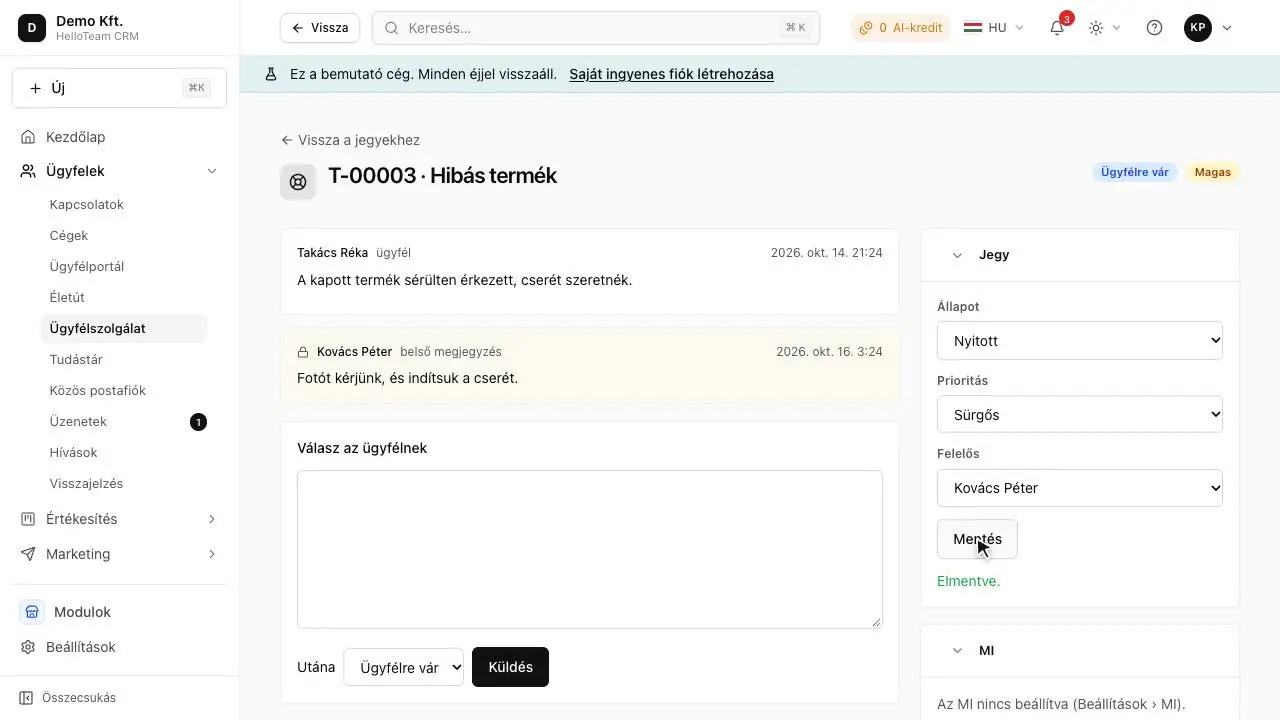
Customer service in a small company works when every incoming request becomes a ticket: with its own number, an owner, a status and a promised time. No new channel is needed: mail to a support mailbox opens tickets, the reply goes into the same conversation, and it shows what has waited too long. In HelloCRM the Helpdesk module does this.
Phone sales in a small business: calls, call-backs and reminders
In phone sales most opportunities are lost not on the call but on the call-back forgotten afterwards. The fix is a simple routine: after every call, take half a minute to record whether you reached the person, what you discussed and when the next step is. HelloCRM's call window asks for this with the call, and the call-back becomes a task with a reminder.
Managing a shared info@ inbox: who answers what, and when
A shared info@ mailbox works when every message has an owner: somebody who knows it is theirs, while everyone else can see it is being dealt with. A shared password cannot do that; a CRM's shared inbox can: mail arrives as conversations, can be assigned, the reply stays on the customer's timeline, and support requests go to a queue of their own.