How to choose a CRM as a small business in 2026
Write down first what the CRM must take over from today's spreadsheets and notes, then answer seven questions: who will use it, who sees what, whether the interface and invoicing work in Hungarian, what it will cost in a year, whether the data can be taken out, and how long the rollout takes. Then try it for two weeks on real data, not on a demo.
Published: · Updated: · By the HelloCRM team
The core CRM is free forever. Pre-register and be among the first in.
What should you write down before looking at any CRM?
Most bad choices start with comparing feature lists and buying whichever has more ticks. A small company does not need the most features but the one that makes today's work simpler. So the first step is not searching but half a page of notes on how you work now.
- Where customers come from: a website form, email, phone, an online shop, referrals?
- Which steps a deal goes through, from the first call to payment?
- Which documents you produce: quotes, proformas, invoices, delivery notes?
- How many people work with customers, and what each of them needs to see?
- Where the data is today: one or more spreadsheets, phones, mailboxes?
- What slips today: a forgotten call-back, a lost quote, an invoice sent twice?
These notes become the yardstick. Suppose a Szeged bakery has three salespeople quoting cafés: what matters to them is following up call-backs and quotes, not a shop integration. Whatever is not in the notes is not a deciding factor for now.
Which seven questions actually decide it?
- What do we do in spreadsheets or on paper today that the CRM must take over? Without an answer, the CRM becomes one more place nobody writes anything in.
- How many people will use it, and who may see what? Two people ask for something different than ten, especially if a colleague should see only their own customers.
- Is the interface Hungarian, and does it link to Hungarian invoicing? The interface language is not the same as being able to type Hungarian text.
- What will it cost in a year, when the team grows or a new feature is needed? The starting price is rarely the price.
- Can the data be taken out if we want to switch? If only on request, the data is not really yours.
- Where is the data stored, and must it stay in-house? That can be a regulatory question as well as an internal one.
- How long does it take to roll out, and is there help? A small company should count it in days, not months.
How do CRM pricing models work?
Details
- A monthly fee per user: each new colleague adds to it, so it grows with the team.
- Plan tiers: a higher tier includes everything, even if you need one feature from it.
- A fee per module: you pay for what you use, and it grows where you switch on something new.
- A free plan with limits: can be enough for a small team, but check the limits and the next step's price in advance.
One example, our own structure: the core of HelloCRM is free (Deals, Customer portal, Tasks, Calendar, Mailboxes, Reports, AI assistant, and always free: Contacts and companies, Notes and the timeline, Files, CSV import and export, GDPR tools). Beside it, 57 add-on modules can be bought one by one, per module; prices coming soon. Every paid module can be tried for 3 days, the price is fixed at purchase, and a cancelled module stays until the end of the paid period, then switches off and deletes nothing.
Whichever vendor you look at, work out today's cost and the likely cost a year from now: how many users there will be, and which feature you will need that you do not need today.
What should a Hungarian company look out for?
Details
In the Hungarian market a few things can be decisive that an international comparison does not even list.
- The interface language: are the menus, buttons and error messages in Hungarian, and can each person choose their own language? In HelloCRM, Hungarian and English are chosen per user.
- Invoicing: as a rule, Hungarian invoices must be reported to NAV's Online Számla system, and the invoicing software does that. Ask whether the CRM issues invoices through such software or whether you retype the lines. HelloCRM issues through the company's own Számlázz.hu or Billingo account, and they do the reporting.
- Names and phone numbers: Hungarian order starts with the family name, and +36, 06 and the area-code form all mean the same number. HelloCRM's search finds a name in either order, and duplicate detection treats differently written Hungarian numbers as the same.
- Public holidays: if you also manage time off, it has to count Hungarian public holidays. In HelloCRM that is part of the People module.
Check the details of the invoicing rules with your accountant; this article is general information.
Who owns the data, and how do you take it out?
Details
The customer list is one of your company's most valuable assets, so before choosing you need to know how it comes out of the system. Ask three things: can you export it yourself, at any time, in a common format; what happens to the data if you stop paying; and is there a tool for people's data requests.
- In HelloCRM, CSV import and export are for everybody, on the free plan too.
- When a paid period ends, the company falls back to the free plan and nothing is deleted: modules switch off, the data stays.
- With the GDPR tools, everything held about a person downloads in one click, and erasure reaches the copies too; documents that must be kept by law keep the transaction and lose the person.
- If the data must stay in-house, there is a self-hosted version, quoted per installation.
Whichever system you try, do a full export in the first week of the trial and open it in a spreadsheet. If that is awkward, it will not get easier later.
Who sees what in the CRM, and why does it matter at three people already?
Details
Access is not a large-company topic. Once a salesperson works with their own customers, an assistant only issues invoices or a subcontractor signs in too, who sees what is already a question. Check whether a restriction really applies everywhere: in lists, search, reports and exports, not only in the menu.
- In HelloCRM a colleague's record scope can be set to their own records; lists, search, reports, exports and the AI assistant all keep to it.
- Unassigned records stay visible to everybody, so a new lead is not lost; the owner and administrators see everything.
- When someone leaves, their open work can be handed to a colleague in one step.
During the trial, create a restricted colleague, sign in as them and search for a customer they should not see. It takes five minutes and tells you more than any description.
How do you try a CRM in two weeks?
Details
Two weeks of real use judges a CRM, not a demo. The plan below is for a small team and works with any system.
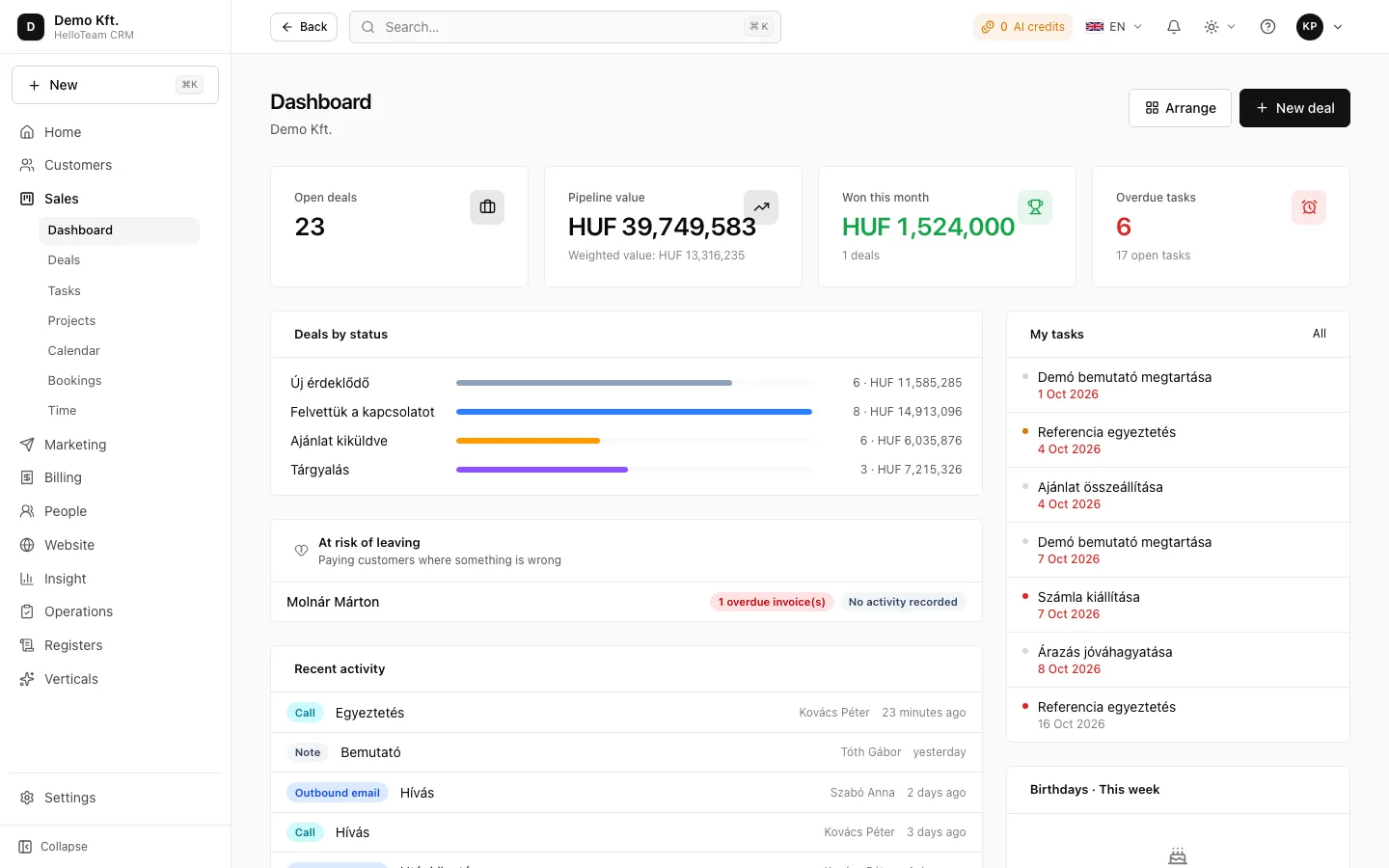
- Day 1: look around a ready-made example company. In HelloCRM that is one press at https://app.helloteam.hu/en/demo, and the demo resets every night, so change things freely.
- Days 2–3: load a real customer list from CSV and note how much work it took.
- Days 4–7: log every new enquiry, call and task in it, and set up your own sales stages.
- Week 2: take one real quote from first contact to invoice. If you want to try a paid module, time its 3-day trial for this week.
- At the end: create a restricted colleague and do a full export.
Which warning signs should you watch for?
Details
A few signs suggest that a system will cost more later than it promises today, or will be hard to leave. None rules it out on its own, but get a straight answer on each.
- No public price, only a custom quote: next year is hard to work out in advance.
- Only a time-limited trial, after which the data becomes unreachable.
- Exports can only be requested through support.
- A basic feature (invoicing or newsletters, for example) is only in the top tier.
- The interface is English only, or the Hungarian translation is half done.
- Access control only hides menu items, while search and exports show everything.
We do not compare specific vendors here, but on the sourced comparison pages, which state what the vendors say on their own sites.
In short
A small company chooses a CRM well by first writing down what it must take over from today's spreadsheets, then asking seven questions: who uses it, who sees what, whether the interface and invoicing work in Hungarian, what it will cost in a year, whether the data can be taken out, and how long the rollout takes. Two weeks on real data decide it, not a demo.
Where to read on
Questions
How long does it take a small company to roll out a CRM?
For a team of a few people the basics (import, stages, colleagues) can usually be set up in days; the real test is two weeks of use.
Can HelloCRM be tried without signing up?
Yes: at https://app.helloteam.hu/en/demo one press signs you into a demo company full of example data, which resets every night.
Do I pay per user in HelloCRM?
The free plan covers up to 3 users; add-on modules are paid one by one, per module; prices coming soon.
What happens to my data if I stop paying?
The company falls back to the free plan, paid modules switch off, and nothing is deleted.